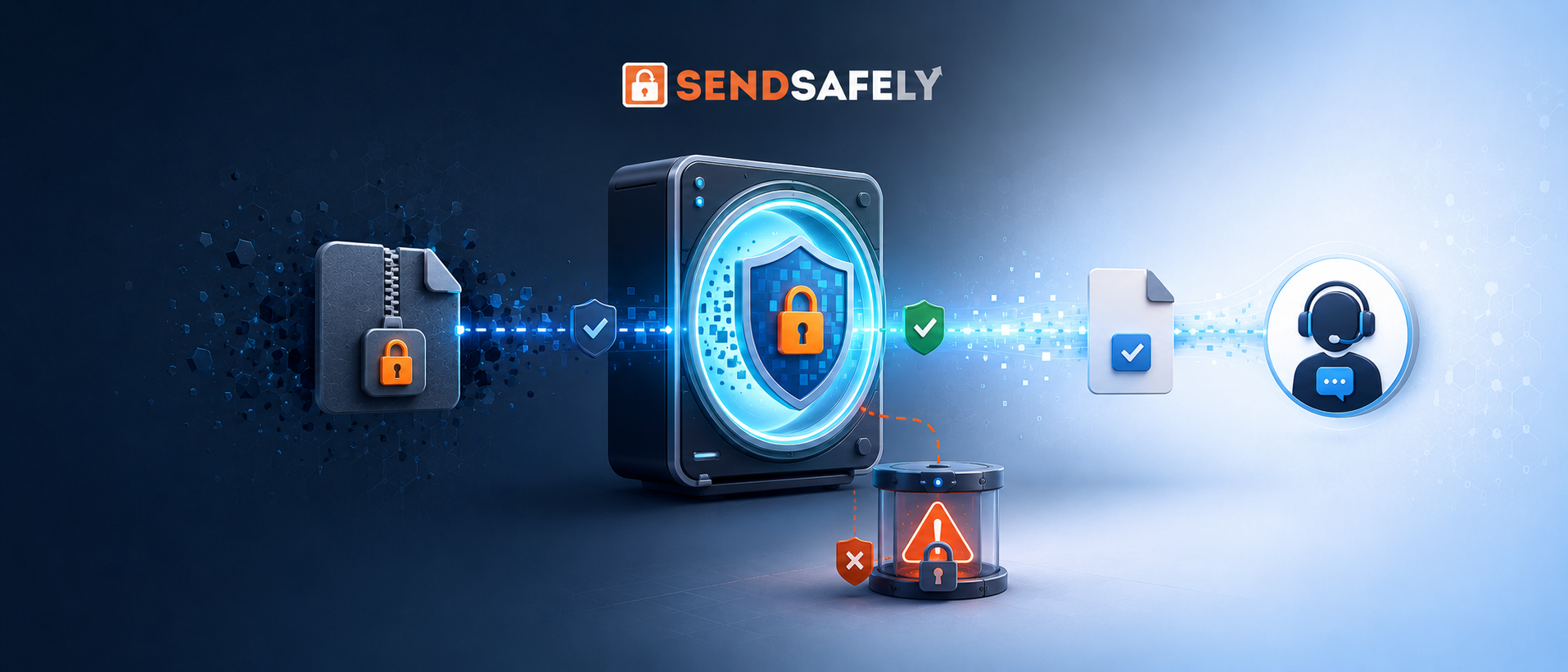
SendSafely Dropzones allow customers to submit end-to-end encrypted files to your support team. SendSafely Actions make it easy to perform automated analysis of the received files before they reach your teams of human agents.
The Problem
A large organization came to us with a situation that no support leader wants to deal with: malicious users were opening support tickets and uploading explicit material. Unfortunately, the support agents were the ones who wound up opening files and viewing content they didn't want to see.
Previously, there was no way to screen this material beforehand. Explicit files landed in the same ticketing platform as legitimate files, so agents had no way of knowing what they were about to open until it was too late. The exposure wasn't just uncomfortable for the agents, it was a liability that the support team had no way to manage. Blocking uploads entirely wasn't an option, since that would break the existing workflow—customers have to be able to send screenshots, documents, and recordings quickly and securely for troubleshooting, KYC, and more, and agents have to be able to receive them.
The Solution
SendSafely Dropzones are designed to encrypt and protect sensitive files that contain PII, but in some instances a layer of non-human review is needed. This is where SendSafely’s AWS Rekognition Content Moderation Action comes in. It automatically screens files uploaded to a SendSafely package for explicit or inappropriate content using AWS Rekognition's image and video moderation models, before a human ever lays eyes on those files.
Here's how it works: the moment a package is finalized or a file is uploaded to a workspace, the Rekognition Action blocks it, preventing recipient access. Because the Action is designed to be hosted within the organization’s own AWS environment, the Rekognition Action can be granted access to the key material required to decrypt package content and run it through Rekognition's moderation analysis, returning a verdict. If Rekognition determines the content is safe, the encrypted package is unblocked immediately and the agent can access the files they need to do their job without interruption. If the content is flagged, the encrypted package stays blocked and cannot be accessed by the Agents. The decrypted copy of the package contents is deleted immediately after Rekognition returns a verdict. The organization can then decide whether flagged offending packages are automatically deleted or stay in a locked quarantined state for further analysis.
For everyday uploads—the screenshots, PDFs, and recordings agents rely on to do their jobs—this process is invisible. There's no added click, no waiting time, no change to how customers or agents use Dropzones.
Why It Matters
For this customer, the impact was immediate. The organization got a way to enforce what content was and wasn't acceptable in its Dropzone, without asking its people to police the content, and without slowing down legitimate transfers that make the process valuable.
This Action is a natural extension of Dropzones’ preexisting privacy and data confidentiality controls. Every file uploaded to a Dropzone is already protected: access is limited to designated recipients, expiration is leveraged as a privacy control, only specified file types are allowed, and PDFs and images can be watermarked and blocked from saving and printing. These controls govern who can see a file and what they can do with it once they have it. The Rekognition Content Moderation Action adds a control for what that file can contain in the first place.
This is a prime example of what SendSafely Actions can do: taking a real operational and human problem, and solving it with automation that works quietly in the background while preserving privacy and security. The Rekognition Action doesn't just detect a policy violation, it prevents the exposure from happening at all, without negatively impacting your existing support workflows.
If explicit or inappropriate content showing up in your support workflows is a risk that you'd rather not run, SendSafely's AWS Rekognition Action is available now from our Actions Library. Contact your account rep to discuss how it fits into your workflow, and check out our Help Center article for instructions on how to deploy it.
SendSafely: Integrated File Transfer for the Apps you Love
If you are looking for a secure way to send or receive files with anyone, or simply need a better way to transfer large files, our platform might be right for you.