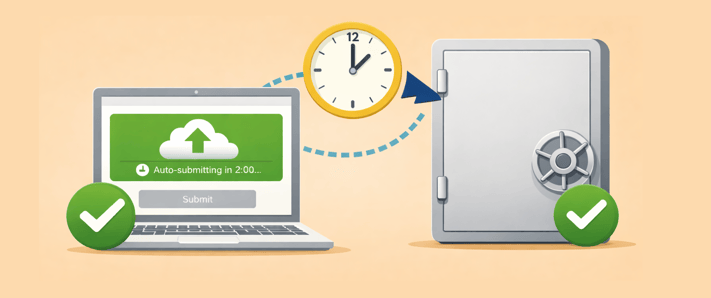
Our customers love the SendSafely Dropzone, but we’ve heard feedback from teams that receive very large files: long running large file uploads complete, but end users sometimes get distracted and forget to click 'Submit' as the final step. The result is files that never get delivered. Our newest feature, Dropzone Auto-Submission solves this problem.
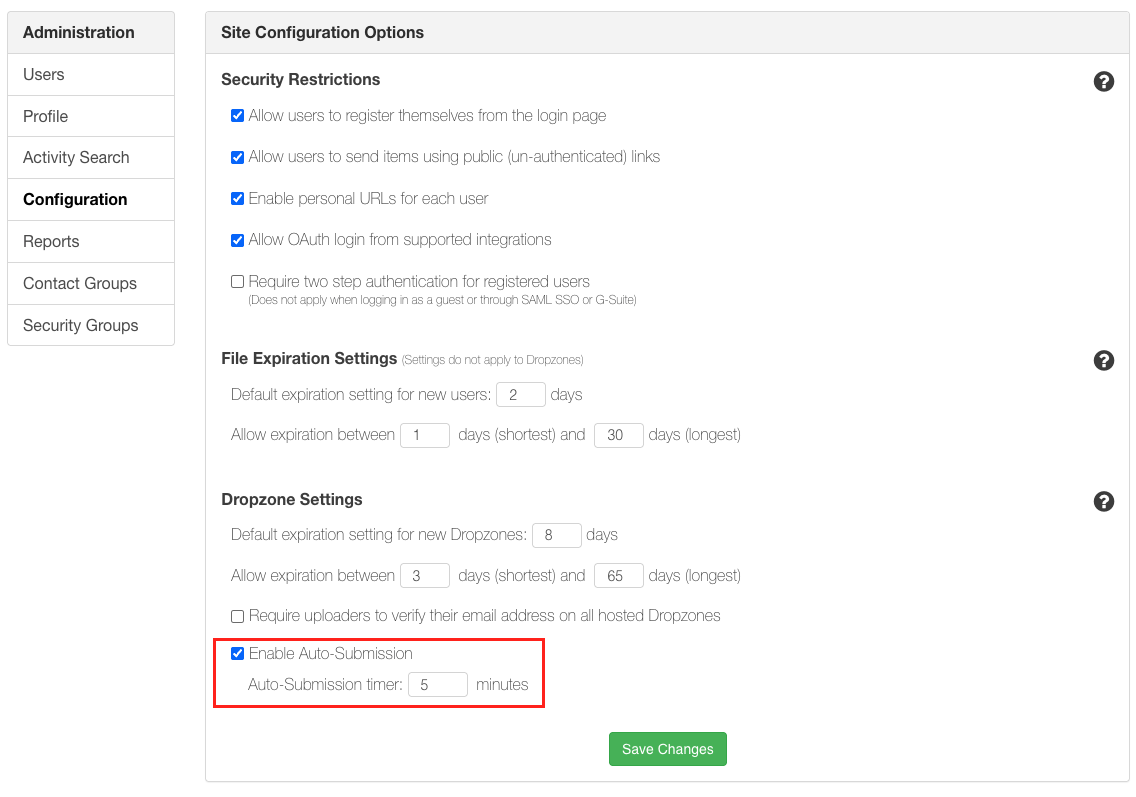
Admins can now opt-in to automatic submission for hosted Dropzones. When enabled, SendSafely will automatically submit uploaded files after a configurable wait time, ensuring files are delivered even if the user browses away or forgets to complete the final step. This setting is available on the Enterprise Console and is especially helpful for organizations that routinely receive large files or support users on slower connections. Auto-submission applies to all hosted Dropzones in the portal.
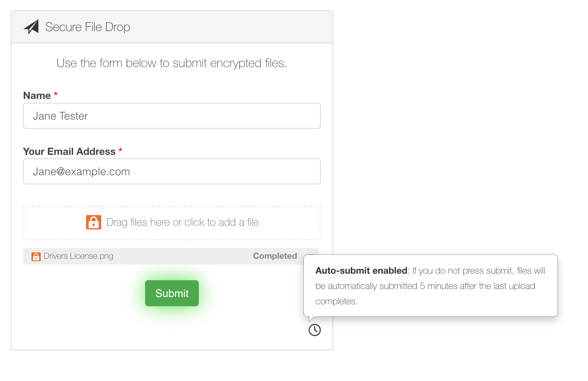
For transparency, end users uploading files see a clock icon and tooltip indicating their uploaded files will be automatically submitted after the configured time period.
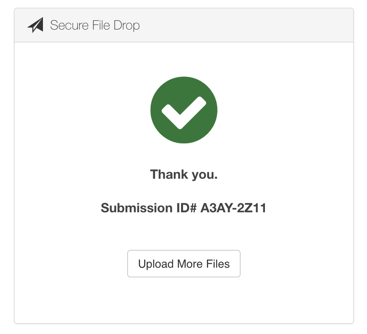
Once submission is complete, users are shown a 'thank you' screen that includes the Submission ID—providing confirmation that their files were successfully delivered.
Dropzone auto submission is available on the SendSafely Teams, Business and Enterprise plans. For more information, contact sales@sendsafely.com.
SendSafely: Integrated File Transfer for the Apps you Love
If you are looking for a secure way to send or receive files with anyone, or simply need a better way to transfer large files, our platform might be right for you.