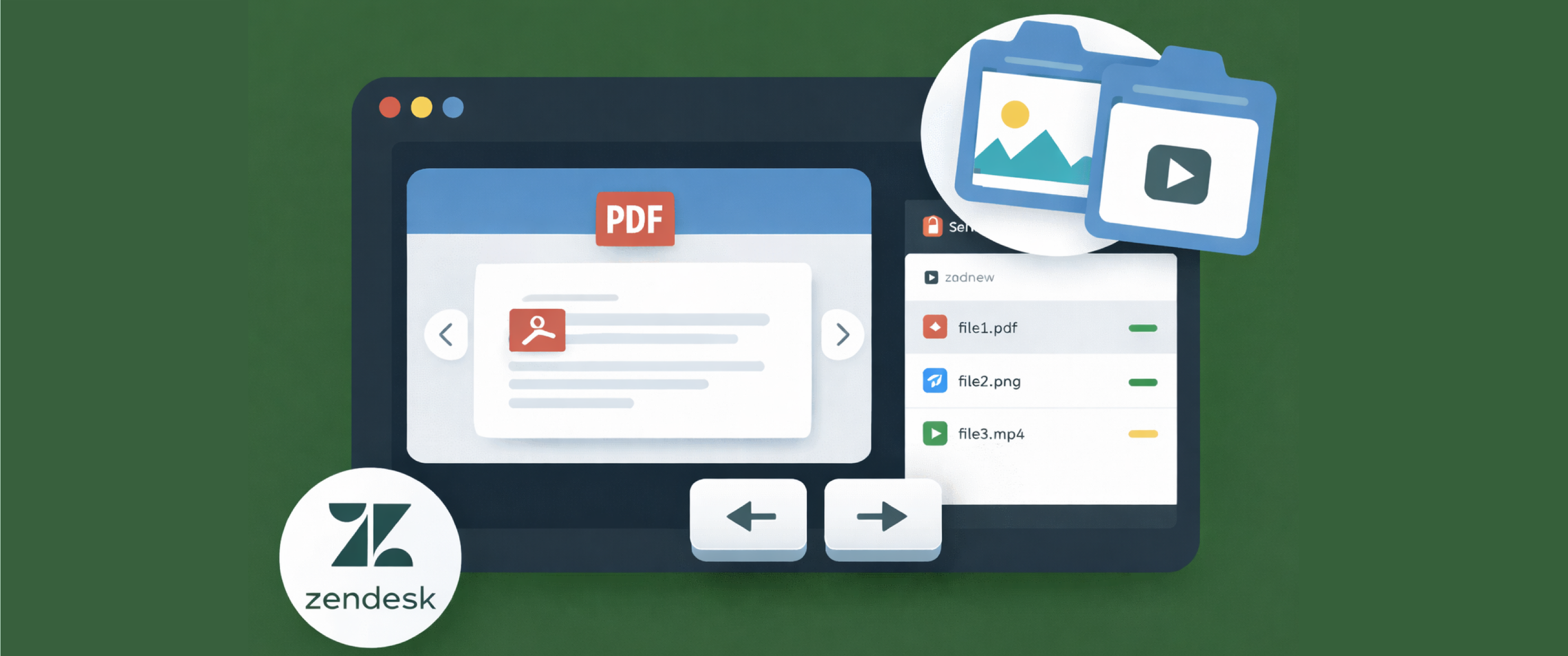
Support agents in Zendesk rarely receive just one file. A single ticket can include multiple screenshots, PDFs, videos, and other attachments that agents need to review quickly, especially when troubleshooting issues, verifying identity, or processing sensitive requests.
That’s why we’re excited to introduce Preview All in Zendesk, bringing the same multi-file, streamlined preview experience from our Web portal to the SendSafely Zendesk Sidebar App.
With Preview All, agents can move through multiple files in a package without repeatedly closing and reopening the preview window, making it faster to review customer-submitted content in the Zendesk Agent Workspace.
Agents can now:
- Open a preview and navigate through every file in the package
- Use on-screen left/right arrows or keyboard arrow keys
- Review files faster, with fewer steps and less context switching
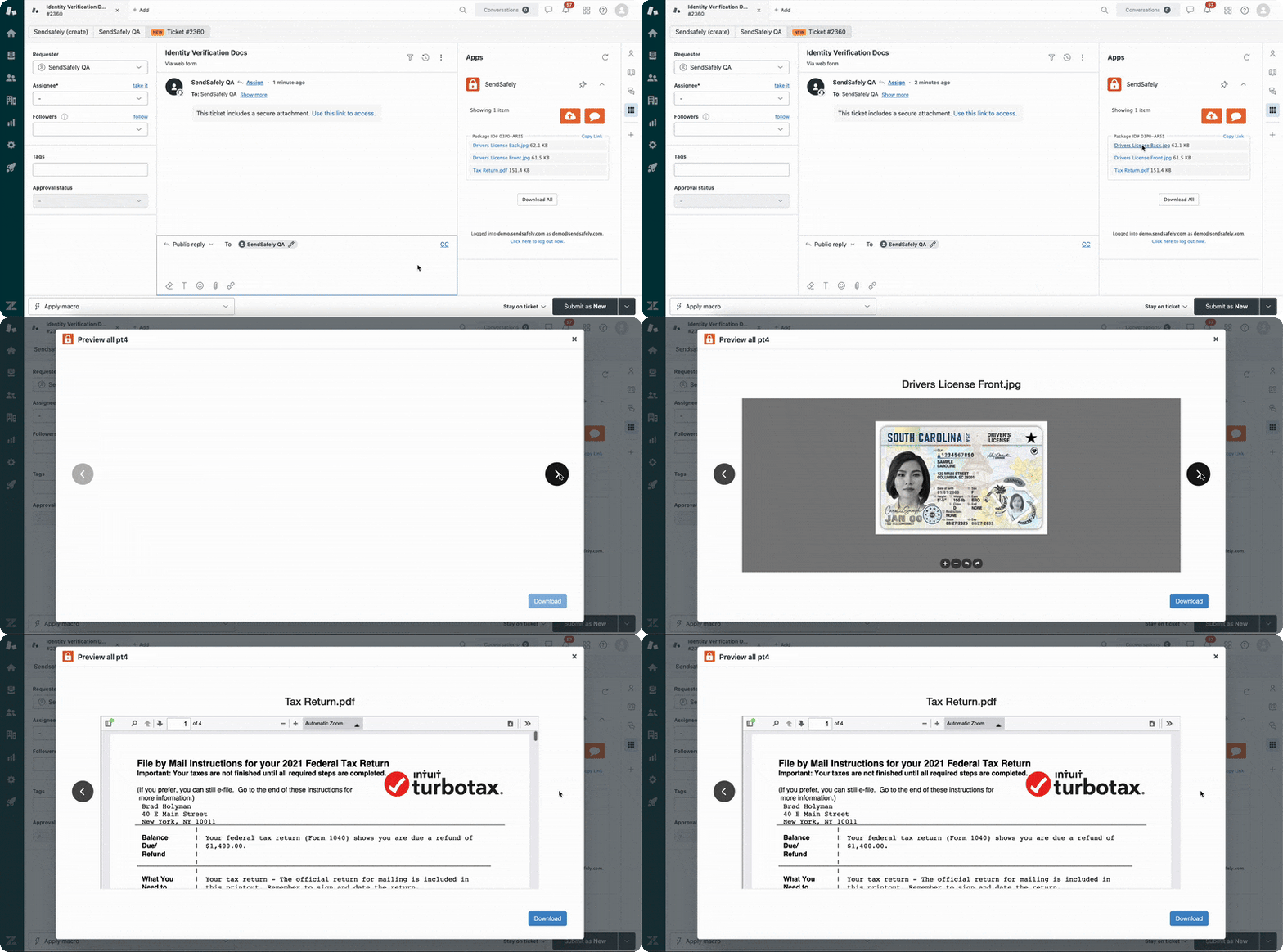
Preview All in Zendesk supports the same preview-friendly content types as our standard viewer (images, PDF files, and videos). If an agent encounters a file type that can’t be previewed (for example, spreadsheets or log files), the app will provide the option to download it securely instead.
Combined with SendSafely’s end-to-end encryption, the new Preview All feature helps support teams review secure customer files faster.
SendSafely for Zendesk is available on SendSafely Enterprise and Business plans. For more information, contact success@sendsafely.com.
SendSafely: Integrated File Transfer for the Apps you Love
If you are looking for a secure way to send or receive files with anyone, or simply need a better way to transfer large files, our platform might be right for you.