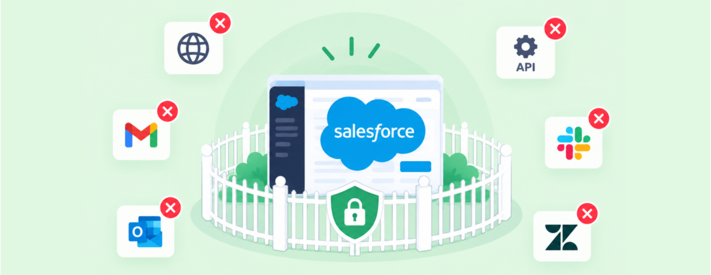
Organizations can now restrict individual users to accessing SendSafely exclusively through our Salesforce integration.
This new Integration Only access control provides agents with the SendSafely functionality they need inside Salesforce, while preventing those same accounts from accessing SendSafely through the web portal, API, or other integrations. This is particularly useful for BPOs, contact centers, and other environments with large groups of agents working within tightly controlled Salesforce workflows.
Give users only the access they need
For many Salesforce users, SendSafely is part of a specific workflow. An agent receives a sensitive document from a customer, views it from a Salesforce record, or securely sends a file back — all without needing to leave Salesforce.
Those users don't necessarily need access to SendSafely, or the content shared through SendSafely, anywhere else.
Salesforce Integration Only lets organizations enforce that boundary. Once a user is restricted, they can continue to send, receive, view, and download SendSafely files through the Salesforce app as usual. Access through other authenticated SendSafely channels is blocked.
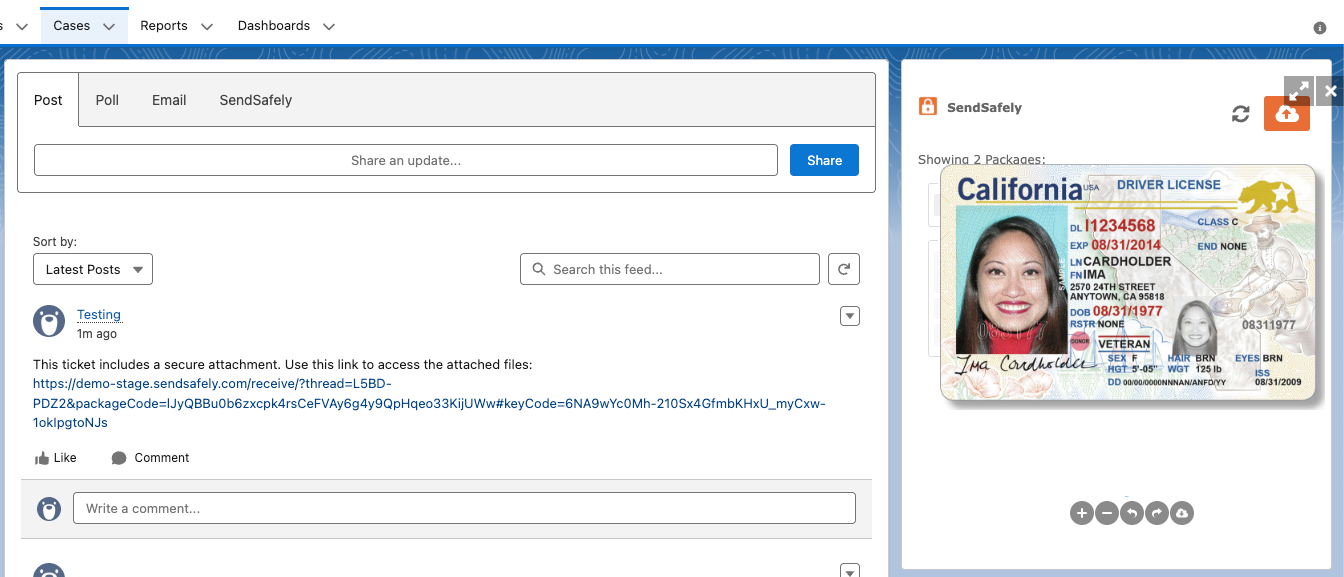
Reduce the attack surface for high-volume agent environments
A Salesforce-only user cannot sign into the SendSafely web portal to access files or initiate transfers. They also cannot use their account through the direct API or other SendSafely integrations such as Gmail, Outlook, Slack, Freshdesk, Zendesk, or other supported applications.
The result is a smaller access footprint for accounts that may routinely handle sensitive customer information.
Admins use Security Groups to manage which users are restricted to the Salesforce integration. This makes it easy to apply the policy to groups of users with the same access requirements, such as BPO agents, contact center teams, or other Salesforce-only users.
Least-privilege access for sensitive file workflows
Salesforce Integration Only makes Salesforce the only authenticated SendSafely access point for selected users.
For organizations operating tightly controlled agent environments, that means fewer unnecessary access paths, a smaller attack surface, and a SendSafely account scoped only to the job to be done. For more information see our Help Center article here.
Salesforce Integration Only is available on Business and Enterprise plans. For more information, contact sales@sendsafely.com.
SendSafely: Integrated File Transfer for the Apps you Love
If you are looking for a secure way to send or receive files with anyone, or simply need a better way to transfer large files, our platform might be right for you.